You recorded the webinar. The interview. The conference talk. Sixty minutes of footage, of which maybe three deserve to be a teaser — and you know exactly where those three minutes are, because you sat through the other fifty-seven finding them, scrubbing a timeline with one hand and taking timestamps with the other.
Today that's one command:
5am media highlight talk.mp4 --brief "a 60-second teaser" --target-duration 60 --output teaser.mp4
The CLI transcribes the video, has Gemini pick the moments worth keeping, and renders the cut locally with FFmpeg — transitions, titles, color, loudness and all.
The interesting part isn't the AI. It's what's in the middle.
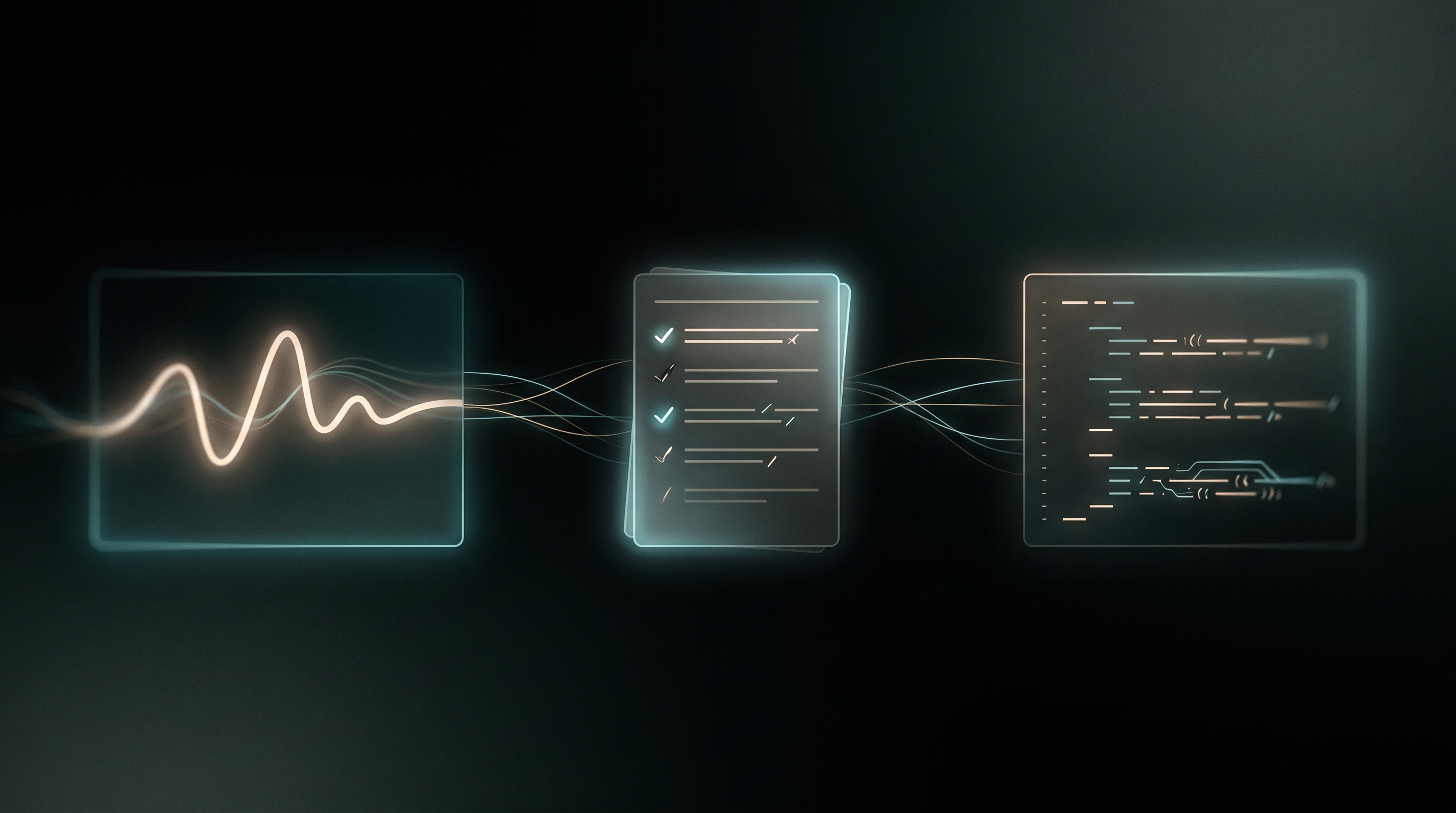
The useful checkpoint in this workflow is an editable plan between the AI selection and the render. Between the AI and the render sits a small, human-readable edit script — a .vedl file — and it's the actual product of the AI step:
source "talk.mp4"
cut 01:12 01:48.5   # the origin story — sets up everything that follows
cut 04:03 04:41     # the key insight, stated in one clean take
cut 12:10 12:22     # the call to action
transition xfade 0.5
text "The Origin Story" atsrc 01:12 for 3 pos=bottom size=56
grade exposure=0.3 saturation=1.15
normalize target=-16
fade in 0.5
fade out 1
This is a small example of the language; the maintained VEDL reference covers the full syntax. Cuts with the editor's reasoning preserved as comments. A crossfade. A title anchored to the source moment it belongs to (the engine remaps it into the final timeline, even across removed footage). A gentle grade, broadcast loudness, fades.
Download this illustrative edit script, save it as teaser.vedl, replace talk.mp4 with your source, and choose ranges within that source’s duration. Its timestamps are examples, not measured highlights of your file.
Which means the loop you actually want finally exists: run the AI once, then read the edit. Disagree with a cut? Change two numbers. Want the title three seconds later? Move it. Then:
5am media edit render teaser.vedl --output teaser2.mp4
No second AI call. No re-roll. The script is the edit, and the render is deterministic — the same edit decisions without another model request. Encoding can vary with the FFmpeg build, hardware, and fonts.
Segment indexes constrain timing; review the transcript
The transcription step produces timestamped segments. The selection model refers to segment indexes, which the CLI maps back to the recorded times. That reduces invented timestamp errors, but does not guarantee sentence boundaries: a bad transcription or alignment can still clip a word or select the wrong material.
The repair layer merges overlapping ranges and handles invalid operations, reporting repairs and warnings. Listen to both ends of each selected passage, verify names and numbers in captions, and check that removing surrounding context has not changed the speaker's meaning.
It brings the whole toolbox with it
The DSL isn't just cuts. It picks up the pieces the CLI already does well:
- Layers — timed
texttitles and imageoverlays (a logo in the corner, a lower third). - Color —
gradewith exposure, brightness, contrast, saturation, gamma, plus per-bandgrade hsl(warm up the reds without touching the sky). - Sound — this is the good one.
music "bed.mp3" style=podcastputs a music bed under your edit using the same broadcast-style pipeline as5am media mix: both tracks are measured, the bed is staged under the voice, ducked in response to speech, with the EQ pocket carved in the speech band.normalizesets a −16 LUFS target with peak limiting; measure and audition the exported file. Your highlight reel comes out sounding mixed, not assembled. - Structure —
prepend/appendan intro or outro clip,deleteranges instead of keeping them, fades at the edges.
Want separate clips? Use Clip Maker
Clip Maker produces standalone short clips and offers transcript, visual, and agentic selection modes. It uses the local CLI service for rendering, while AI steps send extracted audio or a video proxy and prompts to the provider, directly with BYOK or through 5AM's credits proxy. The original local source remains on your machine until you choose an upload or publication action. Library sources are already stored in 5AM.
See the Clip Maker walkthrough for modes, editable clips, caching, and AI costs. Its terminal counterpart is 5am media clips.
Finish it in the browser, if you want
A terminal render is the fast path, but sometimes you want to nudge a cut by a few frames on a real timeline. One more command:
5am media edit export teaser.vedl --new-album "Edit sources" --project-name "Launch teaser"
The referenced media is uploaded to your library and the edit opens as a project in the 5AM Video Studio — same cuts, same crossfades, same titles, ready for hand-polish in the browser. Read export warnings and compare the browser project with the CLI render. Feature support changes by CLI/editor version; preserved edit metadata does not guarantee that every operation is rendered identically in the browser.
Practical details
- Local render. Cutting, grading, mixing, and encoding all happen on your machine via FFmpeg — the transcript-based highlight path sends extracted audio for transcription and transcript text for planning. These remote AI requests may pass through the 5AM proxy when using credits. Exporting a project to your library uploads its referenced media.
- Composable.
transcribe→edit generate→edit renderare separate commands;highlightis just the one-shot wrapper, and writes supporting transcript/edit artifacts next to the output on a successful run. Check those files and command warnings before deleting any inputs. Transcriptions are cached locally, so re-running on the same file skips straight to the editing. - Bring a brief.
--brief "focus on the pricing discussion"steers the edit;--target-durationand--max-segmentsbound it. - JSON output for this workflow — the chosen segments, the model's reasoning, every repair, every warning. Pipe it to
jq, wire it into a pipeline. - Transcription and edit generation use available AI credits or your own Gemini key; a new selection request can be billed even when its transcript is cached; rendering a hand-written
.vedlneeds no account at all. Unauthenticated renders carry a small "Powered by 5AM" watermark —5am login(free) removes it.
Get it
If you have the CLI, you already have it — 5am update and go. Otherwise:
curl -fsSL https://cli.5am.app/cli/latest/install.sh | sh
5am media highlight your-talk.mp4 --output reel.mp4
Full syntax and current flags are in the VEDL reference and CLI docs. Record 5am --version with an edit you need to reproduce. Point it at the longest, most rambling recording you have and read the .vedl it writes back. It's a strange feeling, the first time an AI shows its work.