There is a particular kind of work that never quite justifies learning to code, and never quite stops being annoying.
Every Monday you pull last week's raw footage into an album. You transcribe the interviews. You cut the three obvious highlights. You drop a summary in Slack. Imagine repeating that job each week: selecting inputs, waiting for processing, and checking outputs. It is not hard. It is not interesting. It is exactly the shape of thing a script should do — and writing that script means learning an API, reading docs, and maintaining something you'll touch twice a year.
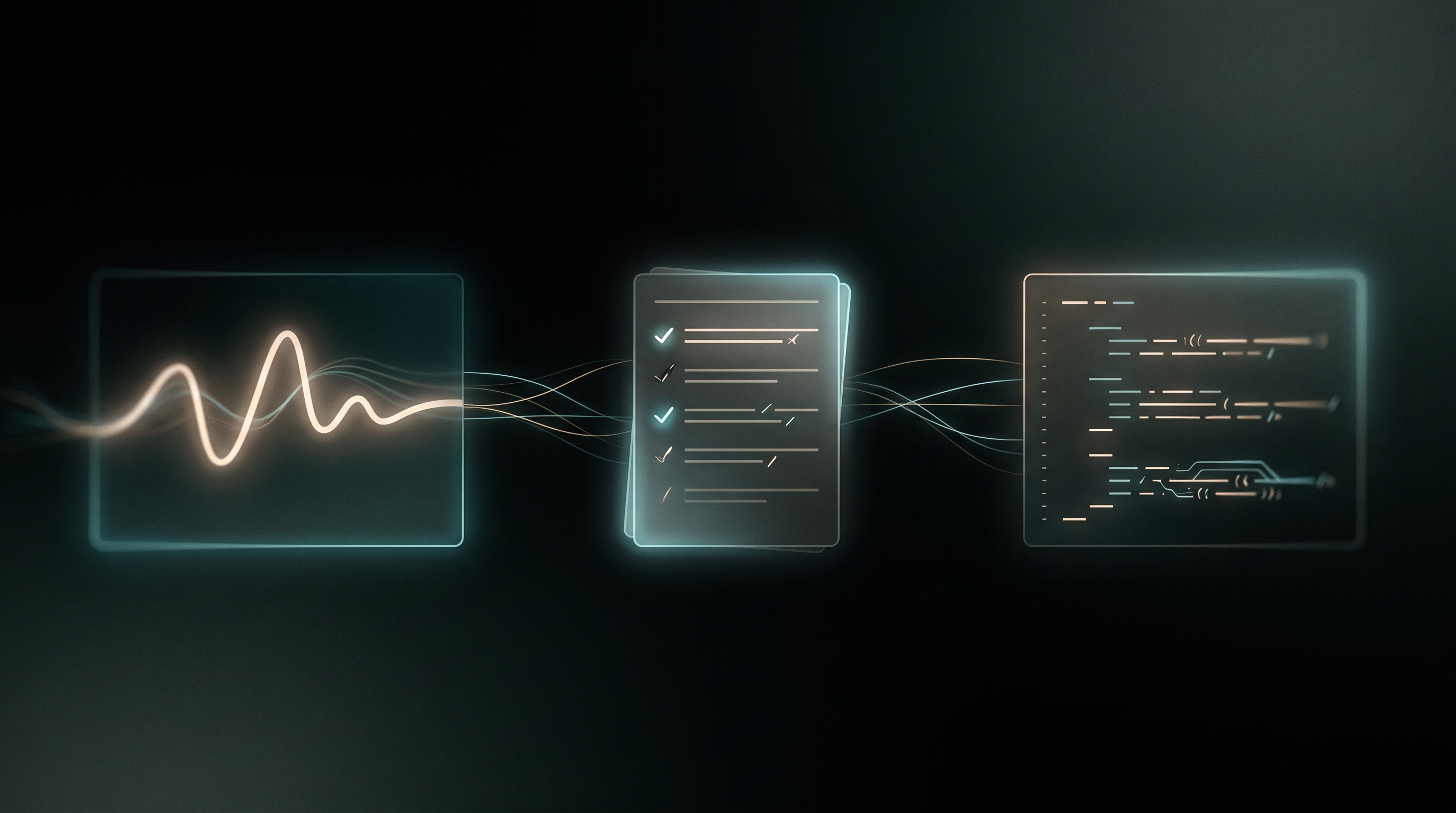
Today we're shipping Managed Workflows. You describe that job in plain language. 5AM writes you a Python program that drives the 5am CLI — the same CLI you'd type by hand. You read a plan before any code exists, edit the code once it does, and then either download the file and run it wherever you like, or hand it to us to run in the cloud.
The important word in all of that is program. Not a saved chain of blocks. Not a prompt you re-run and hope. A file, on your disk, that you can read.
Update (2026-08-28): workflows can now run themselves — point one at an album and uploads start it, debounced, reviewed, and capped. The "every time I add an interview" promise below is no longer hand-cranked. Details: Upload Triggers: Your Workflows Now Run Themselves.
Describe it
Start at /workflows with a sentence or a paragraph. The vaguer version works, it just produces more questions:
Every Monday, take everything uploaded to "Raw — This Week", transcribe anything longer than two minutes, pull the best 30-second highlight out of each interview, and give me a CSV of what it found. Post a one-line summary to my Slack webhook.
Nothing is generated yet. The first thing that comes back is a plan.
Read the plan before you read the code
This is the part we'd argue hardest for. The plan is a structured artifact — steps, inputs, outputs, the CLI commands it intends to use, the account permissions it will need — plus two sections that matter more than the rest:
Assumptions. What it decided when your description didn't say. "'Longer than two minutes' is measured on the source duration, not the transcript." "'Best highlight' means the highest-scoring segment from media highlight, one per video."
Open questions. What it genuinely could not infer. "Should already-transcribed videos be skipped, or re-transcribed?"
Each assumption has a fix link and each open question an answer link. Both quote the item into a note, and re-planning carries that note as a revision rather than a fresh roll of the dice — so correcting one detail doesn't re-decide the nine you were happy with. That distinction sounds small and isn't: a bare "regenerate" button on a mostly-right plan is worse than useless.
A plan lets you resolve assumptions before reviewing the full implementation. Reviewing two hundred lines of generated Python takes considerably longer, and by then you're anchored on what it wrote rather than on what you wanted.
Then it writes the program
Approve the plan and you get code. Real, boring, readable code:
Here is a complete, read-only Python example of the CLI integration pattern. It lists one album and writes an inventory; it does not transcribe, upload, or send a Slack message. Save it as album_inventory.py and run python3 album_inventory.py YOUR_ALBUM_ID inventory.json after installing the CLI and logging in with a token that can read the album.
import json
import subprocess
import sys
from pathlib import Path

if len(sys.argv) != 3:
    raise SystemExit('Usage: python3 album_inventory.py ALBUM_ID OUTPUT.json')
items = []
for offset in range(0, 100000, 100):
    result = subprocess.run(
        ['5am', 'media', 'list', '--album', sys.argv[1],
         '--limit', '100', '--offset', str(offset)],
        check=True, capture_output=True, text=True,
    )
    page = json.loads(result.stdout)
    if not isinstance(page, list):
        raise SystemExit('Unexpected media list response; check your CLI version')
    items.extend(page)
    if len(page) < 100:
        break
else:
    raise SystemExit('Inventory exceeded the 100,000-item safety cap')
# Exclusive creation protects an existing report from accidental overwrite.
with Path(sys.argv[2]).open('x') as output:
    json.dump(items, output, indent=2)
    output.write('\n')
print(f'Saved {len(items)} returned items to {sys.argv[2]}')
Download the same example. It passes arguments without a shell and stops on a command failure. It requests pages of 100 and stops at a 100,000-item safety cap. Keep the album unchanged during the run: offset pagination is not a transactional snapshot. Reconcile the returned count with the album before relying on the inventory. Other commands can emit text or write media files, so parse stdout as JSON only where the command documents that format.
Edit it like code, not like a prompt
The editor is a real editor. Click the gutter next to any line to leave a note — "skip anything already transcribed" — stack up as many as you like, add a general instruction, and hit Apply changes. One round in, a revised file out, notes cleared. No chat transcript, no assistant turn, no scrolling back through six messages to find the version that worked.
Every version is kept. So is the note that replaced it.
Two gates, asking different questions
Generated code that drives a CLI against your real media library deserves more than a vibe check, so there are two of them, and they are deliberately not the same check twice.
The validator asks: is this allowed? It's a static pass, no model involved. An import allowlist. Patterns that block credential access and unbounded deletion. And — the one that fires most often — every 5am command in the program is checked against a dump of what the CLI actually has. 5am media frobnicate doesn't reach you. Neither does a plausible-looking --parallel flag on a command that has no such thing.
The review asks: is this a good idea? A second model, on a higher tier than the one that wrote the code, prompted adversarially and told to assume the program is wrong. It reads for the things a regex structurally cannot see:
- deleting the source file before confirming the upload landed;
- looping a media list with no pagination, so a large album silently processes the first page and reports success;
- re-transcoding everything on every run because nothing checks what already exists;
- a retry loop with no ceiling.
Critical findings block a cloud run. You can override — an LLM reviewer will sometimes be wrong, and a gate with no door is a gate people learn to route around — but the override is recorded on the run, so "was this flagged?" stays answerable months later.
And when the review finds something, Fix these turns its findings straight into line notes and runs them back through the editor. Read it, fix it, re-review. That loop is the product.
Run it: yours, or ours
Download it. GET /workflows/:id/bundle gives you workflow.py, a requirements.txt with exactly the packages it imports, and a README. pip install -r requirements.txt, then python3 workflow.py. It needs Python, the declared dependencies, the 5am CLI on PATH, appropriate library credentials, and any model keys/credits or external-service credentials used by the program. Review the generated README and code before running it. Put it in cron. Put it in your CI. Put it in a repo. It is a normal Python file and we have no further opinions about it.
Downloading is ungated — it needs no plan at all, and a lapsed subscription doesn't take your program away with it. We think that's the only defensible default: you asked for the file, the file is yours.
Or let us run it. On Ultra, press Run. The program executes in an isolated container with a live log pane — the actual stdout of the actual program, streaming, not a progress bar. Files it saves with 5am workflow artifact put report.csv --label "Weekly rollup" land in an artifact hub you can read in the browser, and the run's full log is archived there when it finishes, including when it finishes badly.
If your plan declares inputs, they become a form. A workflow with an --album input is a workflow you can point at a different album on Tuesday without editing anything.
Credits, plainly
Cloud runs are metered in run-minutes. One credit is one minute on the standard machine; small is ×0.5, large is ×2.5. Minutes rather than dollars, because "how many runs do I get?" should have an answer that doesn't move when a cloud provider changes a price.
Before a run starts we reserve its worst case — the full timeout at that machine's rate — and show you the number. When it finishes we release the hold and charge the actual duration. This reservation bounds the workflow compute charge for the run. AI requests use separate AI credits or provider billing, and external services can charge separately. Set limits for those calls in the program; the compute hold is not a ceiling on the entire bill.
As of this revision, Ultra includes 1,000 workflow compute credits a month — about sixteen hours of standard compute, or a half-hour run every day. Top-ups are 500 for $19, 2,000 for $59, or 10,000 for $249, and they live in Settings → Billing next to a meter showing your balance, what's reserved by runs in flight, and the month's usage.
What a workflow can reach — and what it can't
Worth being precise, because this is your account.
A cloud run gets its own credential: a token minted for that run alone, scoped to the permissions the plan declared, never admin, and revoked when the run ends. It is not your personal token and it does not outlive the job.
The container holds nothing else. No storage credentials — artifact uploads go through short-lived signed URLs whose paths we build server-side. No other user's anything. No access to our infrastructure. Its service account has zero permissions, deliberately.
Network access is open, and that's a choice rather than an oversight: "post to my Slack webhook" is most of the point. Which means the honest ceiling is this — a workflow can do to your library what you could do yourself from the CLI, and it can talk to the internet. That's the correct ceiling for your own automation, it's why the plan shows you the permissions before you approve it, and it's why the review reads for exfiltration.
One consequence worth stating out loud: this model holds because you review and authorize the program. A shared workflow — one person running another person's code — is a different problem, and we'd rather rethink it properly than quietly extend this.
From a Playground session
Playground is where you work out what to do. Workflows is where it becomes repeatable.
When a Playground session reaches a synthesis, its header offers Create Workflow. The originating question and the conclusion travel to /workflows as a prefilled description — along with the session's artifacts, so the planner can see the contact sheet or the spreadsheet the conversation actually produced.
It prefills; it never auto-creates. A session often concludes a strategy rather than a pipeline, and deciding which part of it is automatable is a judgment call that belongs to you.
Getting started
- Open
/workflowsand describe something you do repeatedly. Boring and specific beats clever and vague. - Read the plan. Use the fix and answer links — that's what they're for.
- Generate, then actually read the code. Annotate anything that looks wrong.
- Review it. Fix what it finds.
- Download the bundle and run it locally, or press Run on Ultra.
Planning and generating require a paid plan and use available AI credits or your own supported Gemini key. Cloud execution requires Ultra and separate workflow compute credits. Check current plans, Billing, and the code’s external-service calls before running.
The pitch, in one line: you shouldn't have to choose between a rigid no-code builder and learning to write API clients. You should be able to describe the job, read what was planned, keep the program, and run it wherever you want.
Managed Workflows is available now. Questions, or a pipeline you can't get to plan properly? We'd like to hear about it — the plans that fail are the ones that make the next version better.