When we shipped Managed Workflows three weeks ago, the starter cards on the front page made a promise we hadn't fully kept: "Every time I add an interview, transcribe it and cut the highlight."
That sentence was honest only on a technicality. A workflow designed and checked for idempotency can skip completed items and process new ones. Generated code still needs review to establish that behavior before you turn on repeat runs. But the "every time" was you, clicking Run. Automation you have to hand-crank is a demo.
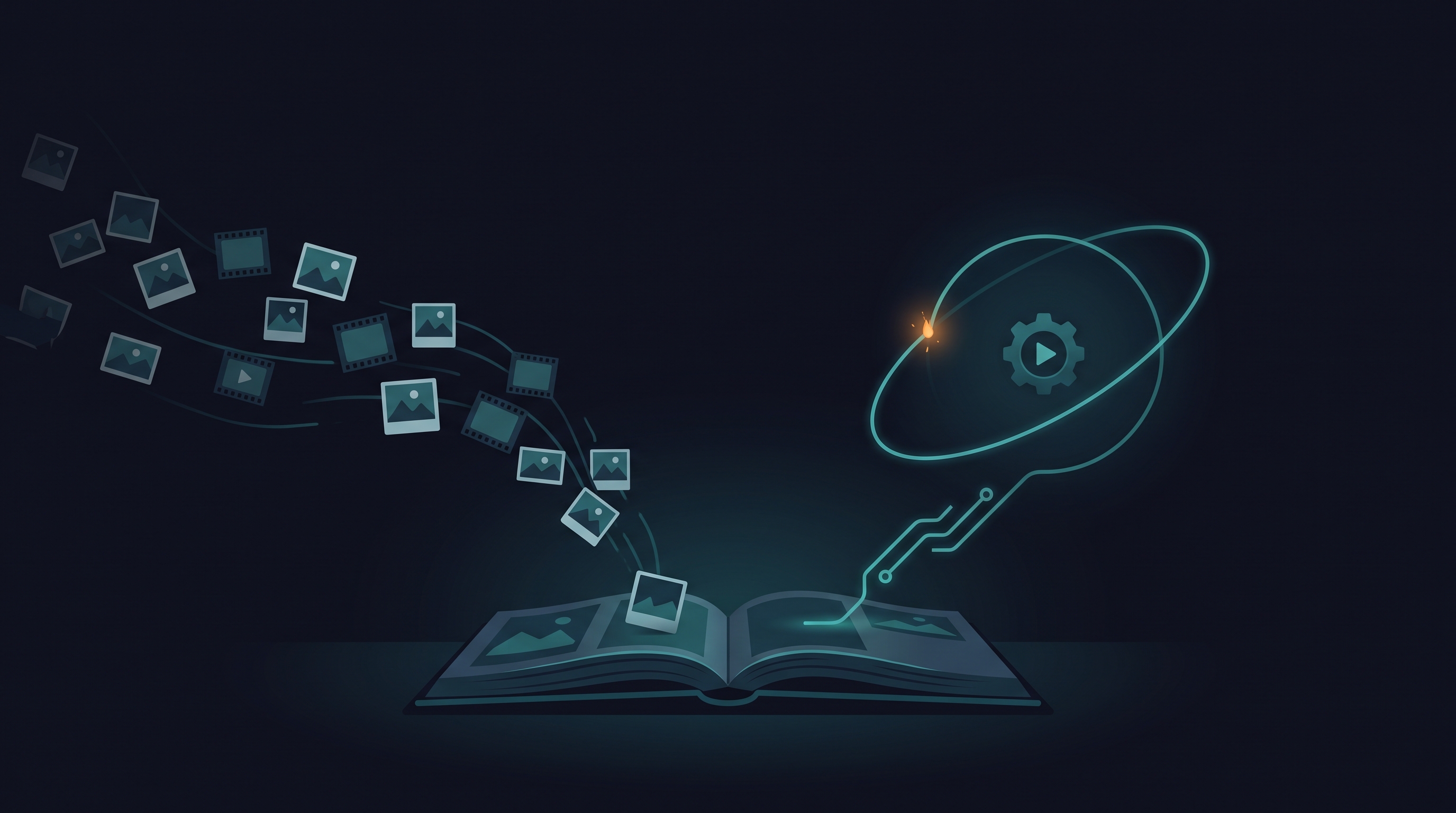
Today the promise is literal. Point a workflow at an album, and it runs when media lands in it.
Turn it on
Open any workflow and pick the new Automate tab next to Run and History. Three decisions:
Which album to watch. One of your own — a trigger spends your credits, so the watched album has to be yours. The collaboration trick still works, just pointed the right way: share your watched album with a client, and their uploads into it start your pipeline without them knowing it exists. The trigger cares which album media lands in, not who put it there.
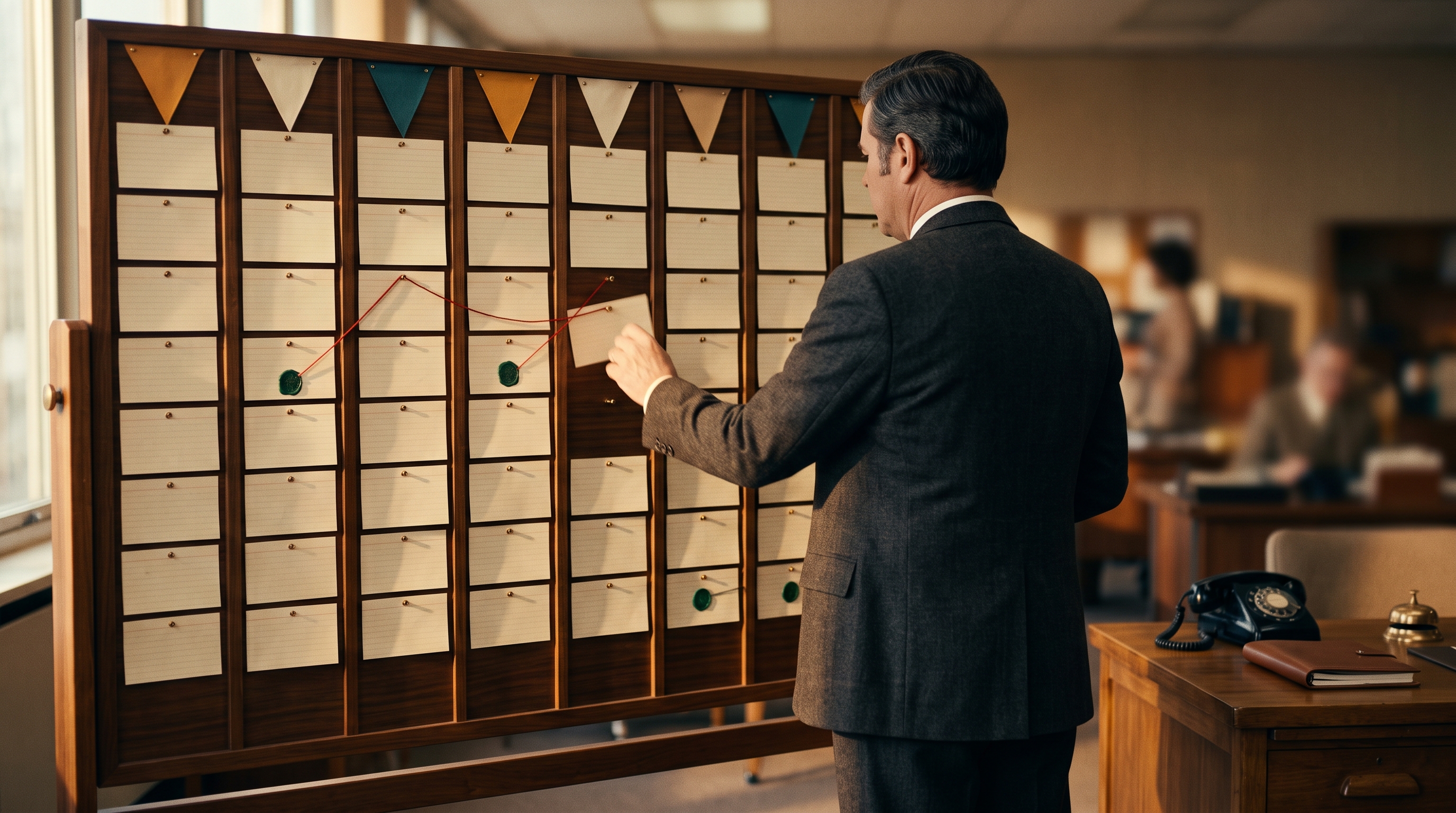
How long to wait for quiet. Uploads arrive in bursts — an auto-backup sweep is hundreds of files in minutes, and you do not want hundreds of runs. So a trigger never fires per file. Uploads mark the album dirty; the run starts once it has been quiet for the window you chose (default five minutes), and that one run sweeps everything that arrived. A burst becomes one run. A maximum-wait rule makes a steady trickle eligible after about half an hour. Eligibility is not a start-time guarantee: review status, plan access, credits, caps, and service availability can delay or prevent a run.
What to answer. An automatic run has nobody filling in the input form, so anything the workflow needs — a session name, an output album — is saved on the trigger. Inputs linked to attachments resolve themselves, same as always. Turning a trigger on is refused until every required input has an answer, because the alternative is a run that fails at 3 a.m. asking a question nobody is there to hear.
A triggered run is an ordinary run
This is the part we care most about, and it's one sentence: the trigger is just another caller of the same run machinery. Same per-run credential, scoped to what the plan declared and revoked at the end. Same credit hold — the worst case is reserved up front, which bounds the workflow compute charge. AI credits, BYOK provider charges, and external-service costs are separate; inspect loops and call limits in the program before automating it.
And the same review gate, with one deliberate hardening: a triggered run never overrides a blocked review. When you press Run yourself, you can read the findings and decide the reviewer is wrong — that's a recorded human decision, and it stays one. Nothing about a cron tick qualifies. If the review blocks your code, automatic runs pause and you get told; they resume when you've dealt with it.
It cannot trigger itself
The obvious failure mode: the interview workflow uploads its clips to a Shorts album. If uploads start runs, doesn't a workflow that uploads start workflows — forever?
No, and the cut is made at the credential layer, not with heuristics. Every upload carries the identity of who performed it, and an upload made by a workflow run's own token never marks any trigger dirty. Your uploads, your phone's auto-backup, a collaborator, a camera pushing straight to the cloud — those count. This exclusion depends on using the run-scoped workflow credential. A program using a different credential may not receive the same treatment; do not embed personal tokens in workflow code. A side effect worth stating: one workflow deliberately cannot chain another by uploading into its watched album. When we build chaining, it will be explicit, not an accident of album layout.
When it goes wrong, you hear about it — by email
Unattended automation earns trust by how it fails, so the failure behavior is the most designed part:
- Three failed runs in a row trips a circuit breaker: automatic runs pause, the reason is recorded on the trigger, and you get an email with a link to the run log. No silent retry loop burning credits against the same bug.
- Out of credits doesn't pause anything — an empty wallet is not a broken workflow. The run is skipped, you're emailed at most once a day about it, and the waiting work can become eligible on a later check after a top-up or monthly grant, provided the other gates allow it.
- A lapsed plan or a plan change that breaks the trigger's inputs pauses it with the reason shown in the panel.
- The current service caps automatic starts at 24 per workflow in a rolling 24-hour window. A daily-cap skip keeps the work pending until the window permits another start; review the skip reason and recent automatic runs before retrying. This is a service backstop, not an AI-spend budget.
And whether a run was started by you or by a trigger: the service attempts an outcome email with a link to the run results. Push notifications may also be available. Email delivery can fail or be filtered; use Run History as the record of the run’s status. Workflows are something you set up at your desk and benefit from while you're not at it; a result nobody hears about didn't happen.
Run History marks automatic runs. After enabling a trigger, upload one eligible test file, wait for the quiet window, and check:
- The watched album and required inputs are correct.
- The trigger is enabled, the review permits execution, and the account has Ultra access and compute credits.
- Run History contains the automatic run and its result; inspect its logs and output files.
- A second run skips completed work as intended. Check AI/provider usage as well as compute usage.
If no run appears, inspect pause reasons, the quiet window, daily cap, and credit balance. If a run exists but no email arrived, check the run directly and your email filtering before changing the trigger.
The shape of the thing
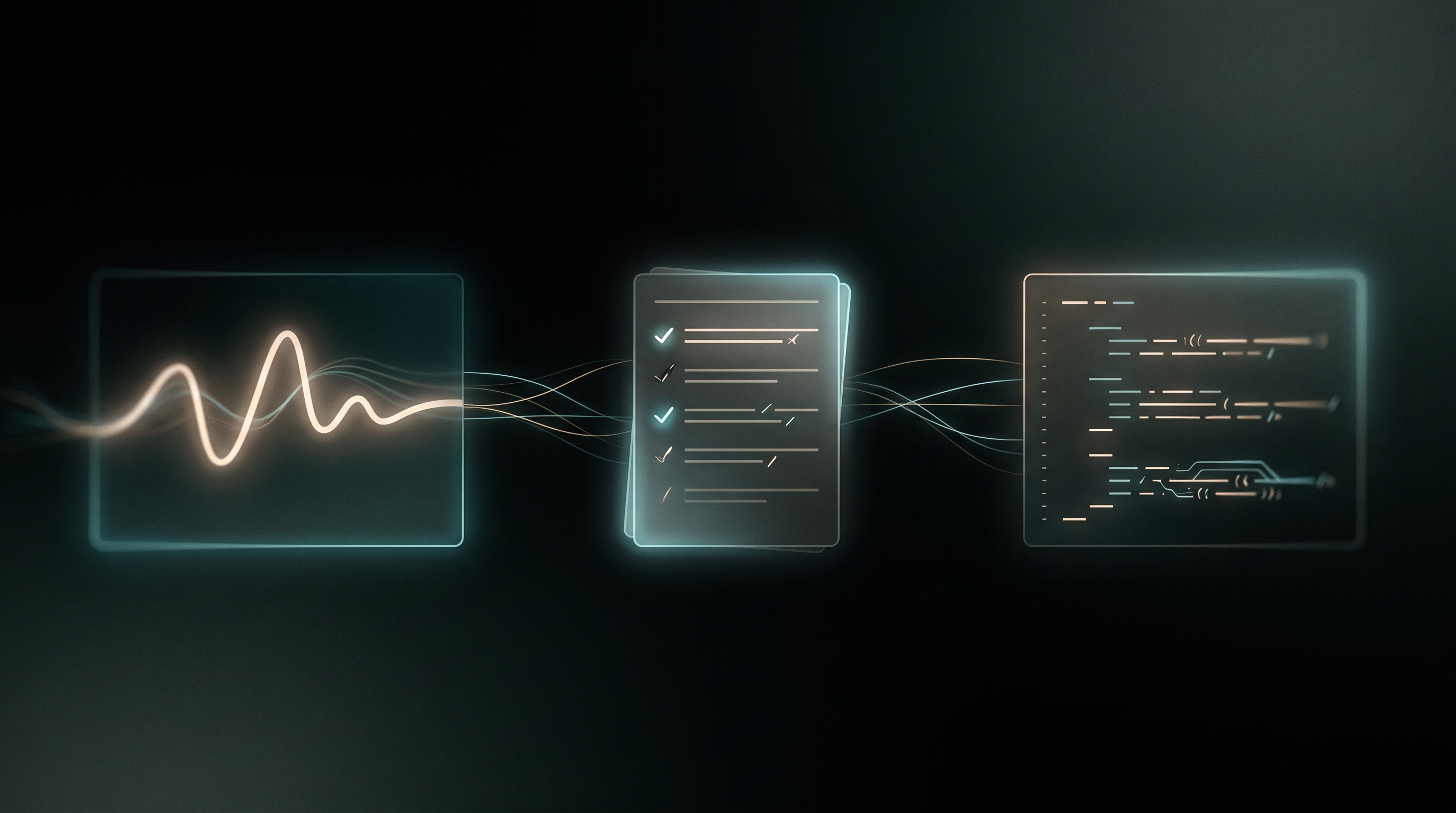
With triggers, the workflow lifecycle is finally whole:
- Describe the job in plain language.
- Read the plan, fix its assumptions.
- Read the code — it's yours, download it any time.
- Review it — a second model, told to assume the code is wrong.
- Point it at an album — and stop being the scheduler.
Triggers are part of cloud runs, so they're an Ultra feature, like Run itself. Turning a trigger off is never gated — stopping your own automation is not something you should have to pay to do.
The launch post ended with a line we can now upgrade: you describe the job, read the plan, keep the program — and the running is no longer your job either.
Upload triggers are live for Ultra accounts. Watch an album for a week and tell us what surprised you — the failure emails you didn't expect to need are the ones we most want to hear about.