The problem: your best minute is buried
You publish a 50-minute conversation, and it's a good one. Around minute 7 your guest explains the idea in one clean sentence. Around minute 14 they say the line everyone will quote. But the people you want to reach are scrolling feeds that give an episode about a minute, on a vertical screen, often with the sound off.
A minute is a lot to ask of a clip. It needs the guest's real voice, because a quote read by someone else counts for less. It needs a little context, because a strong line dropped in cold is confusing. It needs words on screen that land as they're said. And it must not get anything wrong about what was said.
By hand, that clip looks like this:
- Listen back and write down timestamps.
- Cut the audio at those points without clipping a word.
- Write a few lines of narration to connect the moments, and record them.
- Even out the levels between your recording and the episode's.
- Design the cards, then nudge each one until it appears as its words are spoken.
- Export, watch, fix, export again.
That's an afternoon per episode, so most shows post an audiogram instead: the cover art over a moving waveform. Not many people stop scrolling for an audiogram.
How we found the gap
We hit this ourselves. We asked an AI agent, working through our command-line tools, to make a promotional clip from a 52-minute interview about AI agents. It got there, and the clip was good. But look at what it had to do:
- Transcribe the episode, which failed on the podcast's MP3 until it converted the file, and then paid for a second transcription when another tool wanted a video file.
- Read the transcript, choose the moments, and cut the audio at those timestamps itself.
- Write narration, generate the voice, and stitch the narration and the clips into one track.
- Generate a motion film, then work out every scene's length from the audio's timestamps.
- Find that films stopped at 60 seconds while its audio ran 70, render 60 seconds, and slow the video down 16% to fit.
- Swap the film's music for its own track in a separate step.
Every step was possible. None of it should have been the agent's job. So we built the pipeline it was improvising.
The easiest way: ask your agent
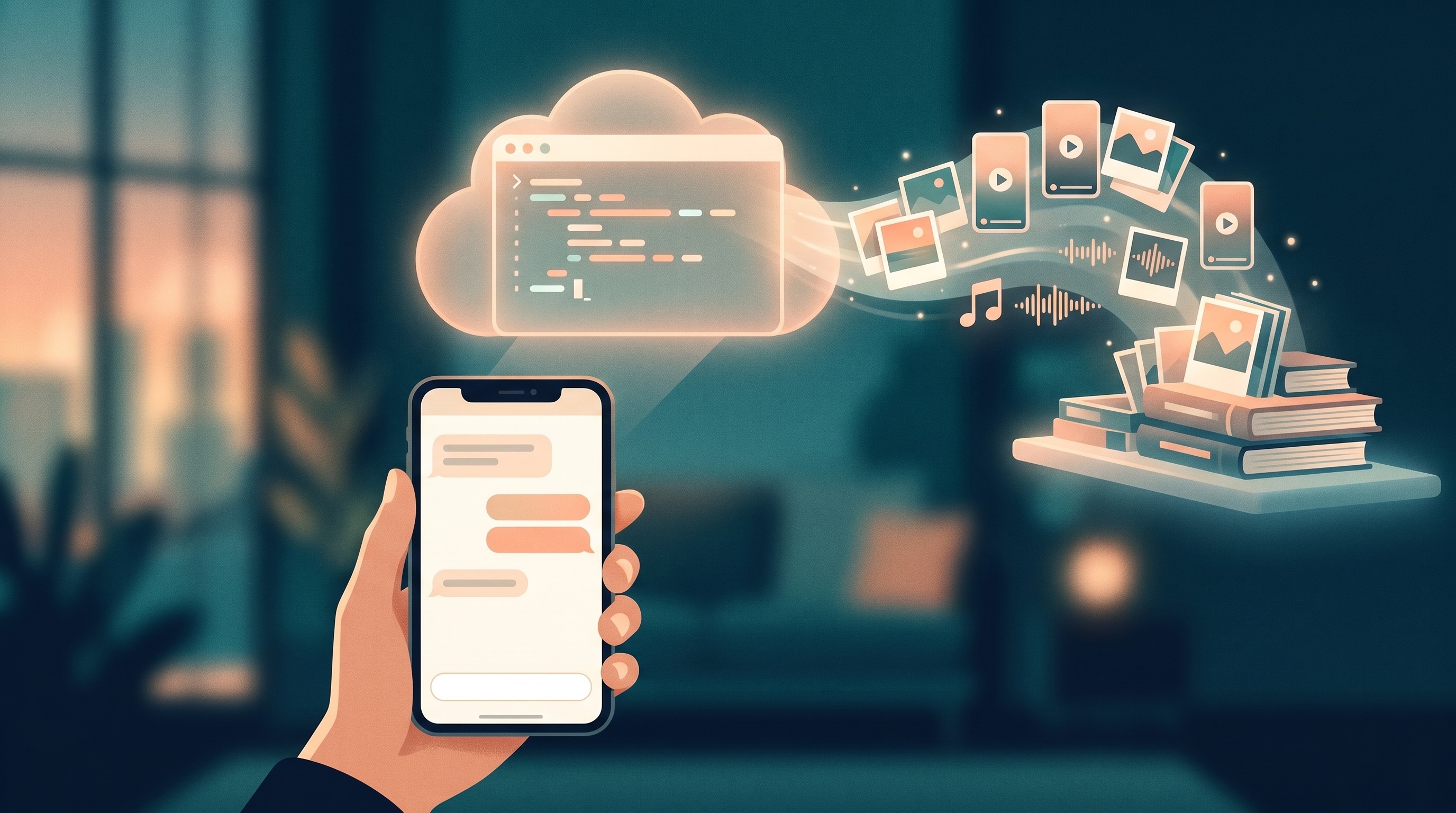
5am motion podcast does the whole job, and the easiest way to use it is through your AI agent. The 5AM CLI is an MCP server, so Claude, Codex or any other MCP client can call it directly. Add it once (this is Claude Code; the MCP guide covers Claude Desktop, Codex and the rest):
claude mcp add 5am -- 5am mcp
Then ask in plain words:
Make a one-minute vertical clip of ~/Podcasts/episode.mp3 for people who build with AI agents.
The agent calls the motion_podcast tool, and its guide tells it how to work:
- Write the script first. It picks the moments and drafts the narration, then stops so you can read the plan: which clips, what the narrator says, what each card shows.
- Fix what's off, with you. "Use the later version of that quote." "Make the intro shorter." It edits the script and builds the clip, and only the lines that changed are spoken again.
- Look before paying. It draws a contact sheet of the film for free, and checks it for anything the episode didn't say.
- Export when you say yes. The export runs a free dry run first, tells you the price, and waits for you.
You stay in the conversation; the agent does the cutting, the timing and the bookkeeping.
Or run it yourself
The same pipeline is two commands from a terminal:
5am motion podcast episode.mp3 --brief "A minute for people who build with AI agents" -o clip.motion.json
5am motion render clip.motion.json -o clip.mp4
The first command writes the script, speaks the narration, builds the soundtrack and lays out the film. The second exports the MP4. To review the script before anything is spoken, add --script-only, edit clip.script.json, then run again with --script clip.script.json.
How it works
1. The script is picked by transcript, never guessed
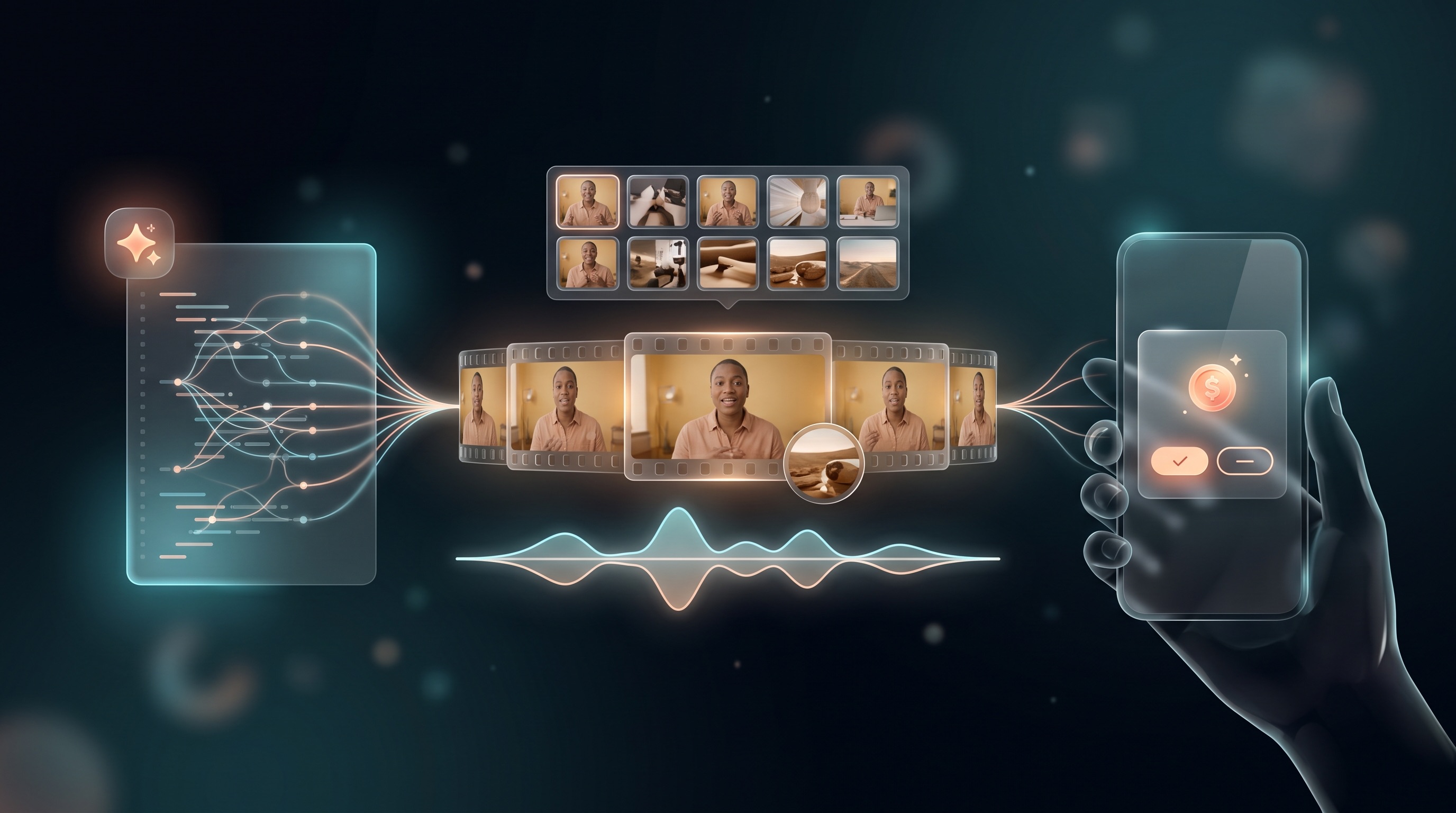
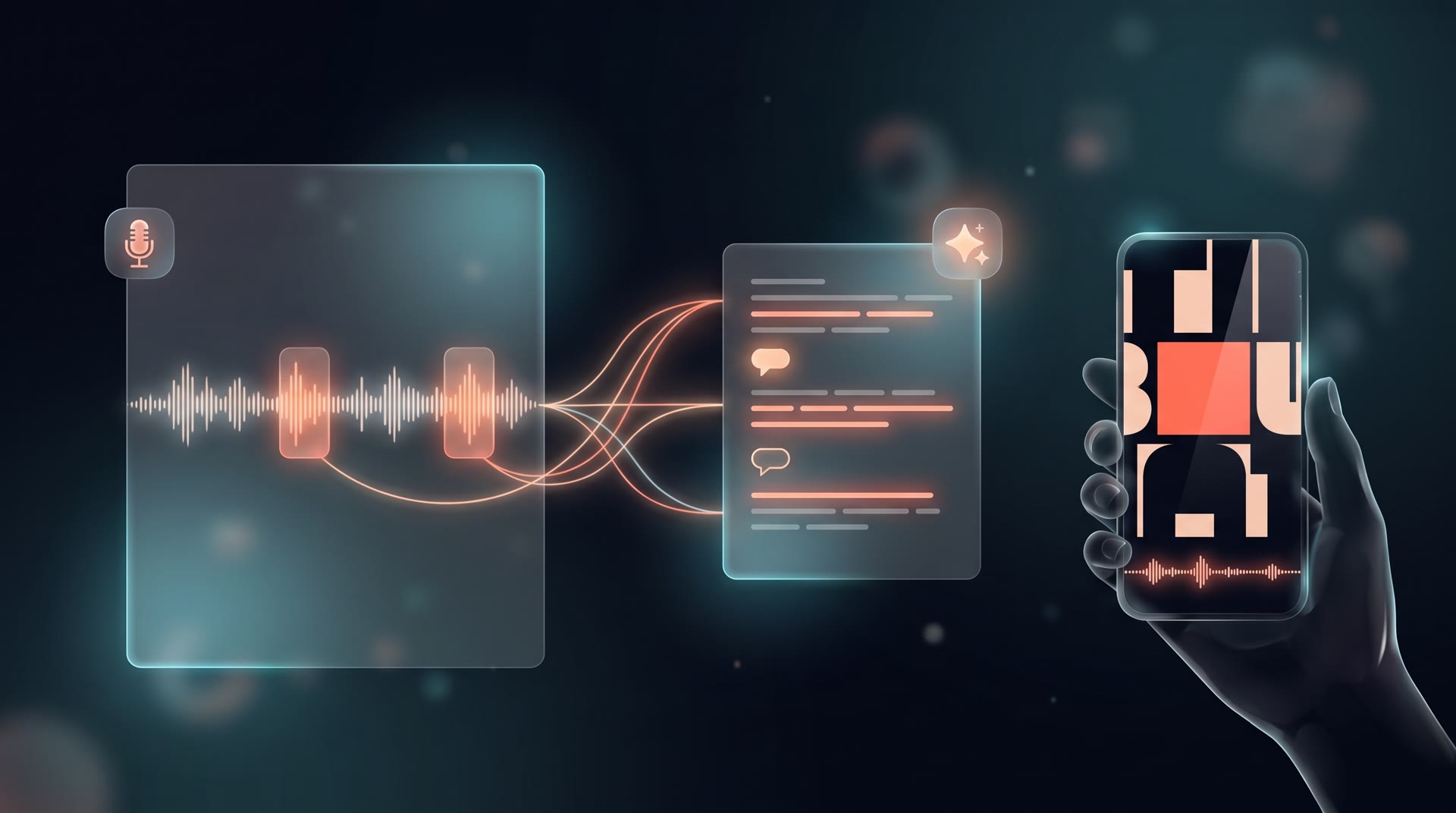
The command reads the episode's transcript, making one and caching it if you don't pass --transcript. Gemini then writes the script: two or three clips of the guest's strongest moments (never more than four), short narrator lines between them, and for every part, what the screen should show.
The model never types a timestamp. It picks transcript lines by number, and the CLI turns them into times from the transcript's word timings, so every cut starts on the first word and ends after the last, with a little air.
We also had to teach it some taste. On our first run it clipped the host reading the guest's introduction, and took two lines from the episode's opening teaser, where the best quotes replay out of context and cut short. One of those ended a few words before the phrase the narrator had just promised. The script writer now takes clips in the guest's own voice, from the conversation itself, picks thoughts that make sense heard alone, and never sets up a line the clip doesn't deliver.
2. The script is yours to edit
The script is a plain file, in seconds:
{ "parts": [
  { "clip": [412.3, 421.9], "show": "Pull quote: the idea in one line" },
  { "say": "Our guest has spent ten years building this.", "show": "A name card" },
  { "clip": [826.4, 838.7], "show": "The quote, large" },
  { "say": "Hear the whole conversation on the show.", "show": "The outro" }
] }
Change a narrator line, move a clip, drop a part, reorder them. Run again and only the lines whose words changed are spoken again; the rest come from a cache.
3. One voice track, at one level
Narrator lines are spoken with the same voices as Podcast Studio. The clips are cut from the episode at word boundaries, every part is brought to the same loudness, and a short pause separates the parts. When two clips follow each other in the episode, they play as one continuous cut, with the speaker's own pause left in.
4. Cards land on the words
The soundtrack's own timeline sets the film's: one scene per part, fully on screen a quarter of a second before its words. The film is generated knowing every scene's exact length, then fitted so each scene starts on its cue to the frame. A long part gets two cards. The episode's cover art becomes the film's photo when the file has one, and the voice track is the film's only sound unless you ask for music under it.
One more rule came from testing. On our first run, a card about agent memory showed a dial reading "accuracy threshold 94%". The episode never said that. A motion designer filling a scene reaches for numbers, but a clip of a real conversation can't invent them. Films laid out on a soundtrack are now told to show no number, statistic or name the soundtrack doesn't give. Look at the contact sheet before you export all the same; the agent does this for you.
Already have your own soundtrack?
If you cut the audio yourself, lay a film on it directly:
5am motion narrate film.motion.json --audio voice.m4amakes any recording a film's voice track, in stereo at 48 kHz.5am motion generate --cues cues.json --audio voice.m4awrites one scene per cue in a cue sheet (when each scene starts, and what it shows), each starting on its second.5am motion fit film.motion.json --cues cues.json --in-placere-times a film you already have, for free.
Films can now run up to 90 seconds from the CLI.
Fixed along the way
Building this exposed a few rough edges, now fixed:
5am media transcribefailed on MP3s longer than about 30 minutes, which is most podcast episodes.- Transcripts are cached by the audio itself, so an MP3 and an MP4 made from it share one transcription.
5am media highlight --picks-onlyreturns just the chosen moments (start, end, why, and what was said), with no render and no charge, and works on audio files.
Cost and requirements
- CLI v1.8.4 or later, signed in, with its Motion runtime (
5am update --runtime-only), Node.js 20 or later, and FFmpeg. - The transcript (when it isn't cached), the script, the narrator's voice and the film are AI requests on your Gemini access: your own key, or AI credits.
- The export is 100 AI credits and carries a small "Made with 5AM.app" mark.
Try it
Add the server to your agent and ask for a clip:
claude mcp add 5am -- 5am mcp
Or from a terminal:
5am motion podcast episode.mp3 --script-only -o clip.motion.json
5am motion podcast episode.mp3 --script clip.script.json -o clip.motion.json
5am motion render clip.motion.json -o clip.mp4
The MCP guide covers every agent, and the Motion reference covers every option. If you make your shows in Podcast Studio, its WAV works as the episode.