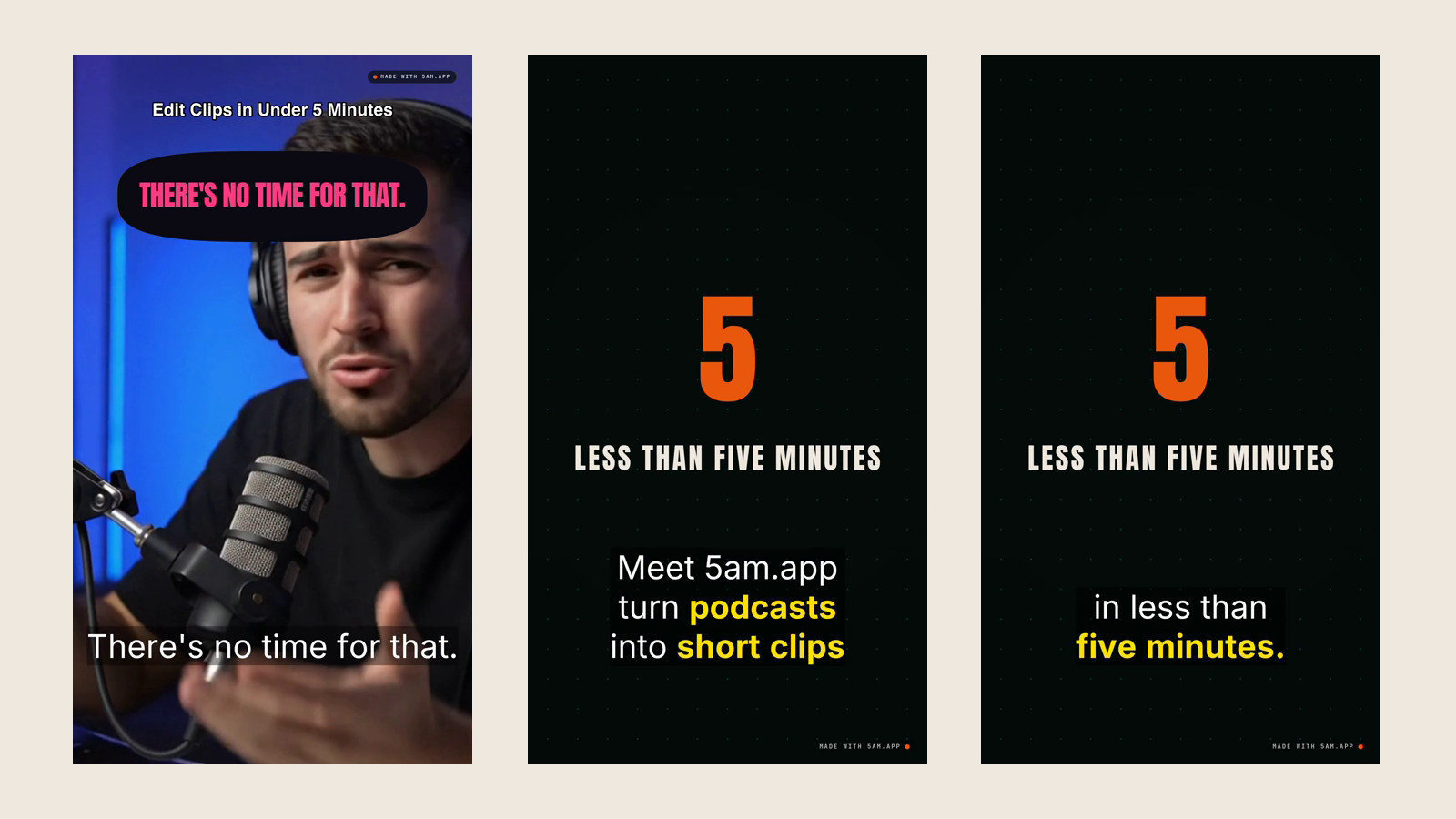
Clip Maker gets a clip most of the way: it finds the moment, frames the speaker, captions it and adds the cards. The last stretch is an editor's: the cut that wants two more frames, the title in your house style, the B-roll in your Final Cut library, your grade.
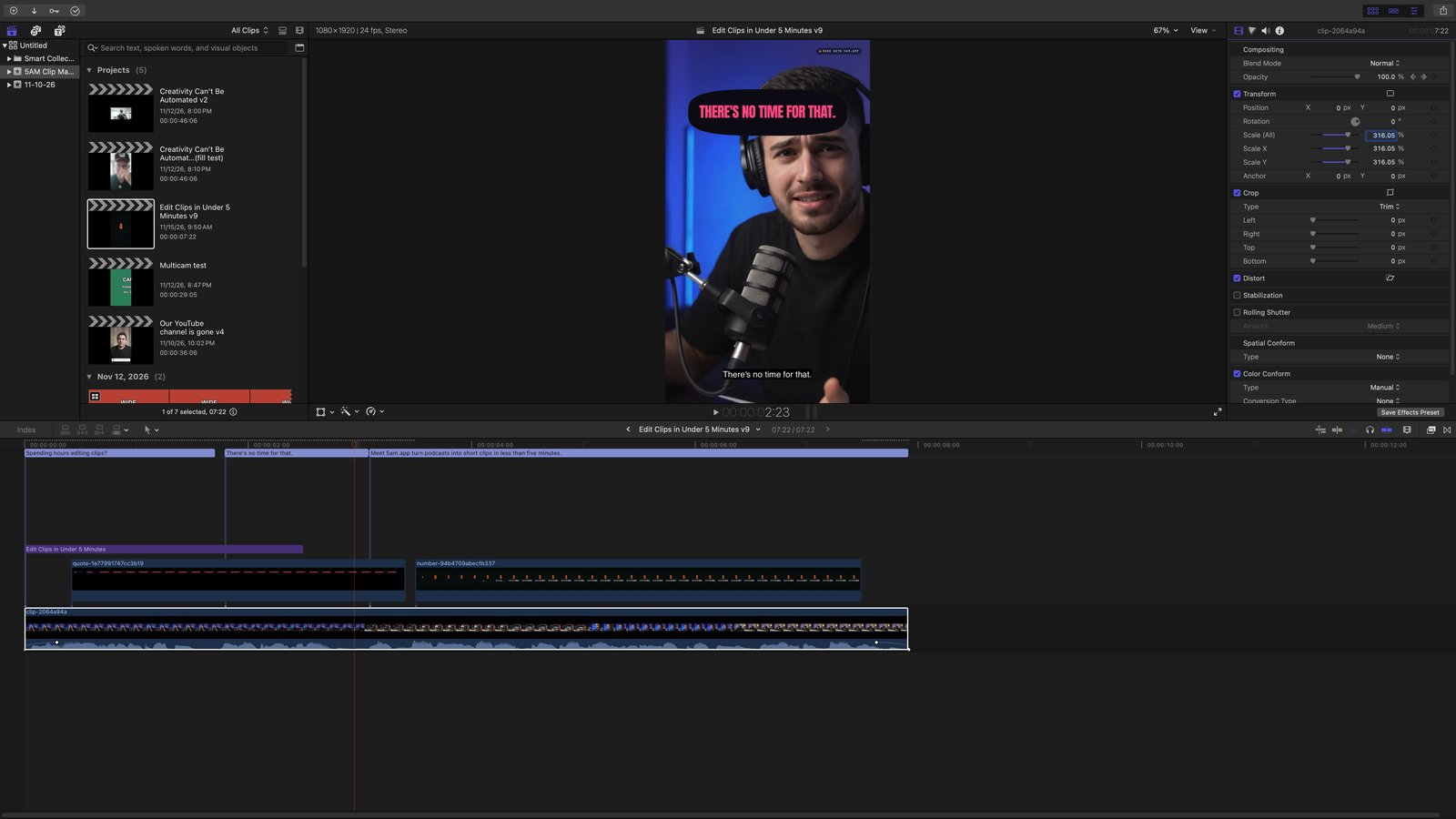
Final Cut Pro (XML) hands the clip to Final Cut as a project. The timeline is the clip Clip Maker rendered, frame for frame, every piece of it editable, with your original recording behind every cut.
Export a clip
- In Clip Maker, open the clip's Share & export tab.
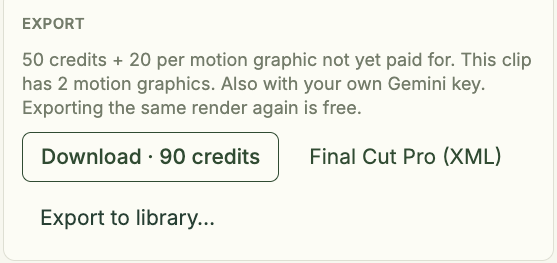
- In the Export group, next to Download, choose Final Cut Pro (XML).
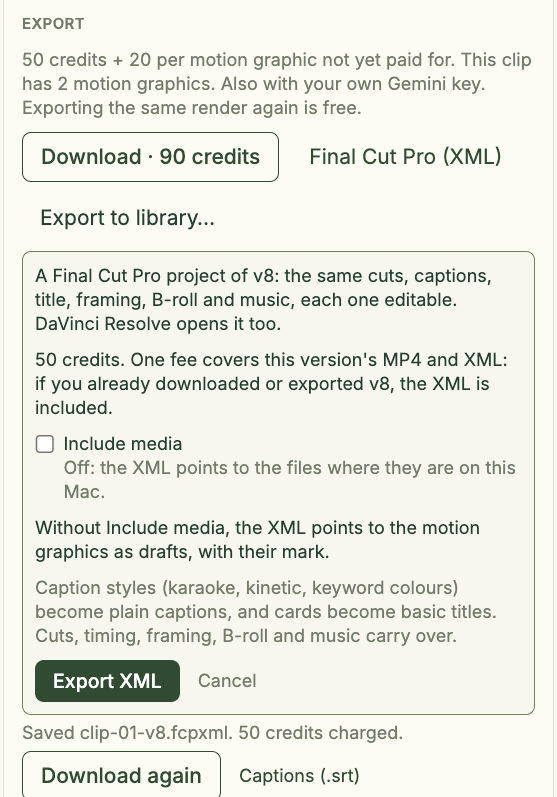
- The panel says what the project holds and what it costs. Turn on Include media if the project is going to another Mac.
- Press Export XML.
Clip Maker saves the file (clip-01-v2.fcpxml) and says what it cost: "50 credits charged." or "Included with v2." Download again saves it once more, and Captions (.srt) saves the captions as their own file.
What's in the download
- Without Include media: one
.fcpxmlthat points to your files where they are on this Mac: the recording, B-roll, music, logo and motion graphics. Nothing is copied, so it opens right away, as long as those files stay put. - With Include media: one
.zipholding the.fcpxml, the captions and a Media folder with every file the project uses, to hand the project to another editor or Mac. It is as large as those files.
In Final Cut Pro, choose File > Import > XML and pick the .fcpxml (unzip a zip first and keep the Media folder beside the XML). Open the imported project and the timeline is your clip.

What comes across editable
- The cut: clips on the primary storyline, taken from your original recording with their in and out points, so every edit has handles. Drag one to get back the word the clip started on.
- Joins: crossfades as Cross Dissolves, tight joins as plain cuts.
- Captions as Final Cut captions, in the transcript's language.
- The title and cards as Basic Titles with the same words and timing.
- Framing as Scale, Position and Crop. A crop that follows a face is Position keyframes; a split screen is two clips, each cropped to its speaker.
- B-roll as connected clips above the storyline, sound off: a cutaway fills the frame, a picture in picture is Scale and Position.
- Your logo as a connected still at its size, corner and opacity.
- Music as connected audio, with volume keyframes that dip under the voice and a fade at the end.
- Fades as opacity and volume keyframes, and speaker names as markers at each turn.
What comes across as rendered media
Motion graphics are video files on connected clips above the storyline, named for their kind. Without Include media, the XML points to the drafts with the "Made with 5AM.app" mark. With Include media, the zip carries them unmarked, for 20 credits per graphic not yet paid for. A graphic over the speaker is a transparent ProRes 4444 file that Final Cut lays over the picture. To change a graphic's words, change it in Clip Maker (how motion graphics work) and export again.
What doesn't carry over exactly
- Caption styles (karaoke, kinetic, keyword colours) become plain captions at the top or bottom edge, Final Cut's only places for them.
- Card designs become Basic Titles, without a lower third's plate and bar.
- A round picture in picture comes in square.
- The colour grade, voice clean-up and the measured music mix are left out.
- A crossfade an odd number of frames long is one frame shorter, because Final Cut centres a dissolve on its cut.
The project carries a note listing what differs for that clip.
Tip: your vertical clip fills the frame
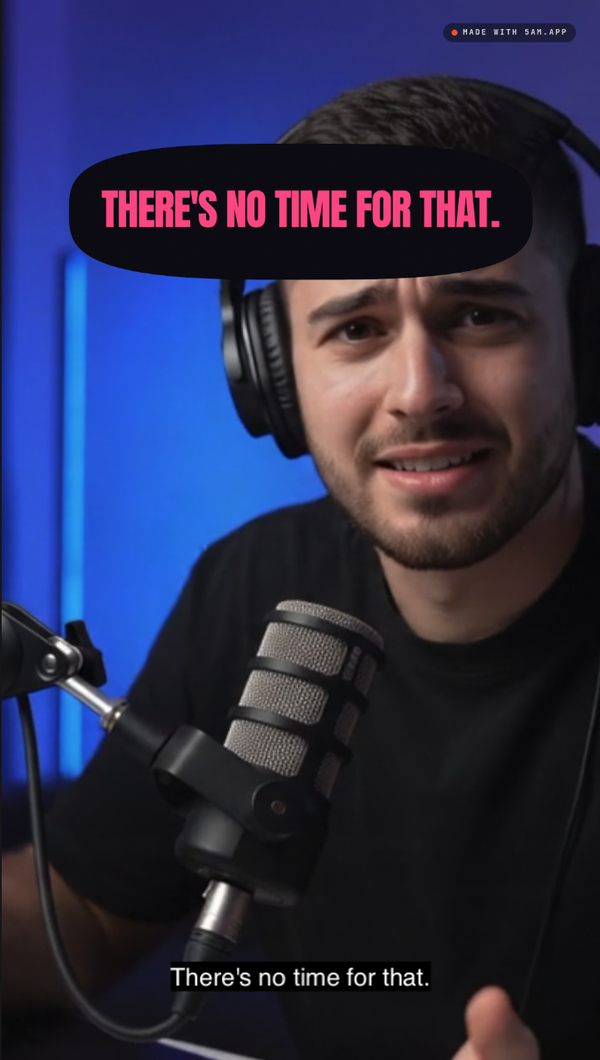
Select a clip in a vertical project and the inspector shows Spatial Conform at None, with a Scale well over 100%: a landscape recording in a 1080x1920 project comes in at about 316%. That is on purpose: Final Cut counts Scale from the size at which the clip fits inside the frame, so a 16:9 recording needs about 316% to cover a 9:16 frame. Run 5am update first: from CLI v1.8.97 the export sets this scale exactly for any source shape.
Final Cut can show Spatial Conform as Fill on an imported clip and still draw a landscape recording letterboxed in a vertical frame. So the export doesn't rely on Fill: each clip gets the exact Scale and Position that cover the frame, on the crop Clip Maker rendered. Full-frame B-roll and graphics come in the same way. When you reframe, change Position and Scale and leave the conform at None.
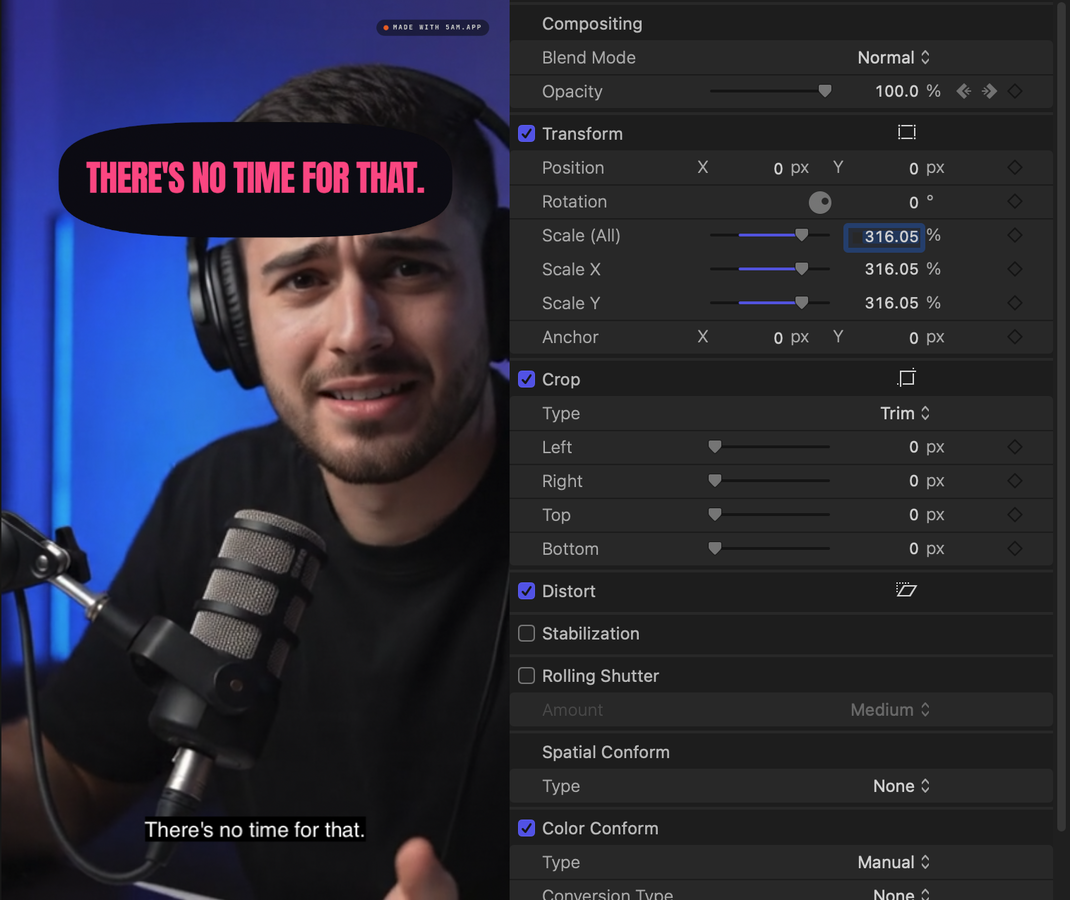
Multi-cam: every camera as one multicam clip
Shot on more than one camera? Add them with Add camera angles when you pick your video. Clip Maker lines them up by their sound and cuts each clip to whoever is speaking, going wide when people talk over each other.
Export XML then gives you one Final Cut multicam clip, with every camera and the program sound as its angles. Each cut shows its camera over the program's sound, so the sound never jumps at a switch, and you can switch any cut to another angle in Final Cut's Angle Viewer. Include media carries the program and every camera file.
- A camera whose clock drifts is cut into pieces inside its angle, one each time it drifts a whole frame, so it stays in sync.
- A cut's picture can be one frame off Clip Maker's render when its cameras' sync points fall between frames.
- Framing is set on each cut's own camera, so a cut you switch to another angle comes in unframed.
Practical details
- Price: 50 AI credits per clip version, and one fee covers that version's MP4 and XML. If you already downloaded or exported it, the XML is included, and exporting it again is free.
- One clip at a time, at its current version. A clip whose captions changed since it rendered must render again first.
- Multi-cam: the recording must be a file on your computer, with up to three more cameras, or two to four beside a sound-only recording.
- Requirements: the current 5am CLI running
5am studiowith FFmpeg, signed in with a Write token, as for any export. The file is FCPXML 1.10, which Final Cut Pro 11 or later opens.
Get started
5am update
5am studio
Then open Clip Maker, pick a clip, and choose Final Cut Pro (XML) on its Share & export tab.