Update, September 22, 2026: Storybook is now available on every plan, including Free. It used to require Premium. Your AI generation uses your AI credits or your own Gemini key as before, and each final export costs 20 AI credits. The working files it creates (sprites, sets, props, voices) now live in a hidden project album instead of cluttering your library. The details are under "AI costs and project storage" below.
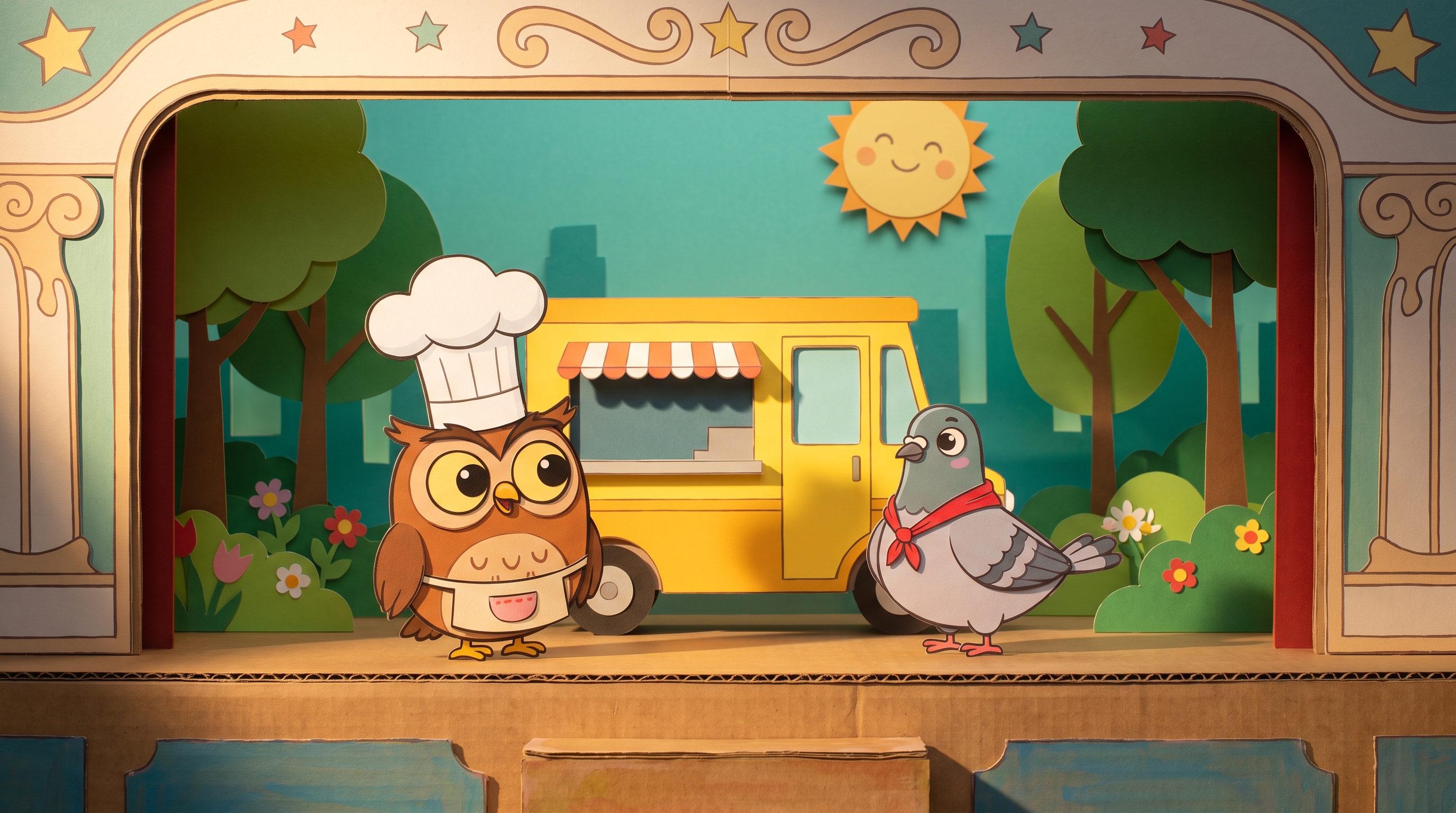
Everyone has a cartoon in them. The bedtime story that got a laugh. The explainer your team keeps re-explaining. The owl who opens a food truck and immediately regrets it. The trouble is what happens between the idea and the video: either a week inside an animation tool, or a video model that gives you six seconds of beautiful soup where nobody's face survives the cut.
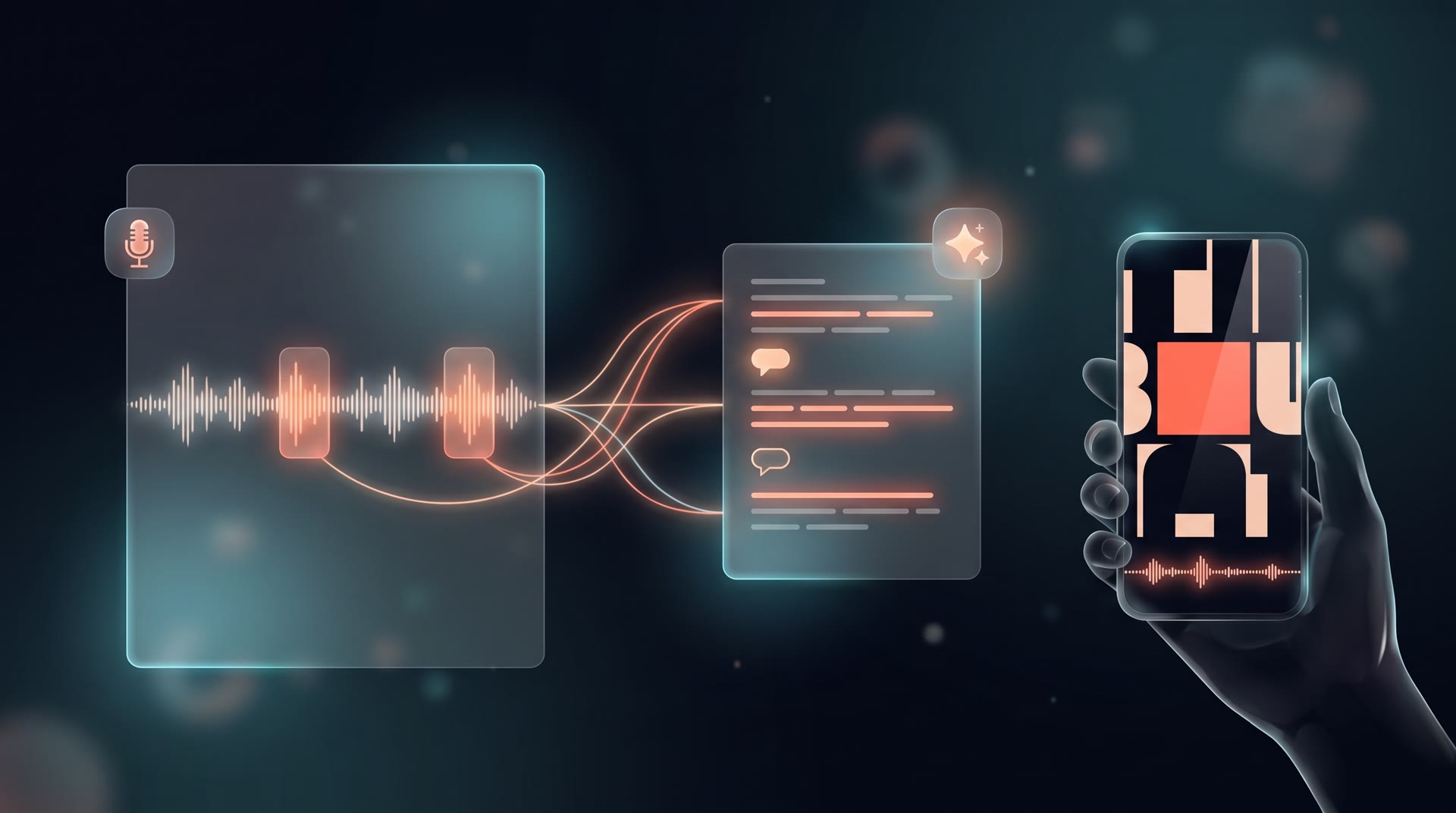
Storybook takes a different route. You describe the story in a sentence or two, pick a look and a length, and it writes the script, paints the cast, the sets and the props, records the voices, and animates every shot. But it doesn't ask a video model to dream up the frames. It works the way a puppet theatre works: the characters are cut-out figures, and for every shot the AI writes stage directions. Who stands where, who says what and when, where the camera looks, what gets picked up. Our own animation engine then performs those directions, exactly, frame by frame, in your browser, and the result exports as a real MP4 or opens in the Video Editor for polish.
That one decision, staging instead of dreaming, is why the characters look the same in shot nine as in shot one, why a shot can be corrected with a note instead of a re-roll, and why you can revise staging separately from the artwork. AI generation uses available credits or your own Gemini key; the rendering happens in your browser.
What you get
Type "Two rival sky pirates get stuck sharing one tiny hot-air balloon and slowly become friends." Choose a format (landscape, vertical, square), a look (flat vector, paper cut-out, Saturday-morning, storybook ink, chibi), and a length from a 30-second short to a four-minute episode. Then:
- The script. Scenes, shots, dialog, and a cast with clear descriptions, written for the medium: cut-out puppets that walk, turn, gesture and talk. You read it before a single image is painted.
- The cast, sets and props. One full-body sheet per character, painted and cut out on your machine, with a talking mouth and blinking eyes placed on it (and a simple face editor for when the AI guesses the mouth wrong). One painting per set. One picture per hero prop, the locket or the last piece of sushi, so it's a real object, not a coloured box.
- The voices. Every line recorded with a distinct voice per character, and lip sync taken from the audio itself.
- The shots. Each one staged and previewed live in the studio. Don't like a beat? Type a director's note, "make Rico jump for joy after he speaks", and the shot is revised, not started over.
- The cartoon. Download the episode, save it to your library, or open it in the Video Editor with every shot as its own clip and its dialog baked in, so trims and reorders keep the lip sync.
Why it's staged, not dreamed
Ask a video model for a cartoon and you're negotiating with a slot machine. The face drifts. The hat changes colour. Shot two doesn't start where shot one ended. And when it's almost right, your only tool is to pull the lever again.
Storybook's animation engine is ours. It has a stage, characters that walk and gesture and talk, props they can hold, a camera, and a clock that counts frames. The AI's job is to direct: a few dozen stage directions per shot. Before a shot is kept, the engine performs it once from start to finish and checks it. A line that was never spoken, a character who never made it on stage, a camera that wandered off the edge of the background: each of those goes back to the AI as a specific note, and the AI fixes it. If a shot still won't come right, the engine falls back to a simple, clean staging to keep the project workable. Export can still fail because of browser support, missing assets, or device resources; check the reported error before retrying.
Staging makes the shot’s motion repeatable without regenerating its artwork; browser and export differences still need checking. Because it's staged, you can direct it: your note becomes a revision of the same shot, not a new roll of the dice. And because the characters are cut-outs the engine places, not pixels a model imagines, consistency is built in rather than hoped for.
Continuity is geometry, not luck
Within a scene, each shot records the picture it ends on: where every character stands, which way they face, where the camera is and how close. The next shot is written to open from exactly there. The studio then checks the cut with a ruler: if the opening doesn't match the previous ending, it tells you by how much and offers to re-stage the shot to match. Scene changes cut freely, as they should.
Props are real, and characters hold them
A recurring prop needs stable artwork and scale. The script lists props, they are painted as cut-outs, and the studio records their size relative to a character. Check the same object across shots rather than assuming its scale is correct.
A character can hold a prop instead of moving it independently beside the character. It becomes part of them, riding the walk, the bob, the lean and the turn, and can be raised to the mouth, the eyes or the chest with a single direction. Chopsticks lift a piece of sushi to a mouth that actually moves. We also gave walks a natural pace and taught the camera to follow a walker without outrunning them. Small things, but they're the difference between a cartoon and a slideshow.
Your cast, across stories
The expensive part of a cartoon is a cast that looks the same everywhere, and it used to die with its project. Now you save a painted character to your gallery and cast them in the next story: same look, same voice, same description, and the script is written around them.
You can also start from a picture. Attach a photo of your dog, your kid's drawing of a dragon, your company mascot, or a room, and tag it as a character, a set or a prop. Storybook describes it, writes the script around it, and paints it in the chosen look, using your picture as the reference. Style wins over the photo, so a flat-vector cast doesn't get a photorealistic member.
Music, without the fight
Add a bed for the whole episode: generate one from the script's own one-line music brief, upload a track, or pick audio already in your library. In the exported file it fades in, dips under every line of dialog, and loops with a crossfade rather than a hard restart. In the Video Editor it lands on its own audio track for you to shape.
Review a shot before rendering the whole episode
Check one shot with dialogue, one with a held prop, and a cut between two shots. Listen for the complete line, watch whether the prop stays with the character, and compare the ending pose with the next opening. Revise a failing shot with a specific note, then preview it again.
The staging checks can flag problems such as missing dialogue or discontinuity. They do not judge whether the story is engaging or catch every animation defect. For a first project, use a short scene and export a test before committing to a longer episode.
AI costs and project storage
Storybook is available on every plan, including Free. Each final export has a separate 20 AI credit compute charge, including for users with their own Gemini key. Supported AI steps use available AI credits through 5AM's proxy, or your own Gemini key with Google billing those requests. Generating or revising the script, artwork, voices, and staging can make additional calls. Check current plan and usage terms; the plan fee is not an unlimited AI allowance.
Preview and video rendering run in your browser. Projects and media are saved to 5AM; the working assets a story generates are kept in a hidden album that belongs to the project, so they don't fill your library, and deleting the story cleans them up. What you export (to your library or the Video Editor) is yours to keep. Project data includes your story prompt and editing state. With BYOK, AI requests use your provider credential; with credits, they pass through 5AM's proxy.
Practical details
- Browser: Chrome or Edge. Rendering and export happen in the browser, so it wants a laptop or desktop rather than a phone.
- Style: cut-out and puppet cartoons, motion comics. Not hand-drawn frame-by-frame animation, and we say so up front.
- Lengths: 30 seconds to about four minutes, in 16:9, 9:16 or 1:1.
- Review in stages: generating the script itself uses AI. Read it before requesting artwork; inspect a small set of assets before generating the rest. Retries and revisions may use additional credits or provider usage.
- Reusable files: sprites, voices, and renders are saved as media in your library. Review your input permissions and provider terms before commercial use; an exported file is not a guarantee of exclusive rights.
Get started
Open Storybook, type the story, and read the script it hands you. Then paint the cast. Then watch the owl open the food truck.